
TL;DR:
- Optimising your LinkedIn profile builds trust and increases appointment requests.
- Precise targeting with LinkedIn Sales Navigator enhances lead quality and saves time.
- Personalised outreach that offers value boosts response rates and converts prospects into meetings.
LinkedIn is the most powerful B2B sales platform available, yet most businesses are not using it to its full potential. Securing high-quality appointments on LinkedIn is harder than it looks. Inboxes are crowded, generic messages get ignored, and decision-makers are increasingly selective about who they engage with. If your outreach is falling flat or your calendar is not filling up with the right prospects, you are not alone. This guide walks you through a proven, step-by-step approach to LinkedIn appointment setting, covering profile preparation, precise targeting, compelling outreach, and smart scheduling so you can book more qualified meetings and drive real B2B sales growth.
Table of Contents
- Preparing your LinkedIn profile for appointment setting
- Identifying and targeting your ideal clients
- Crafting compelling outreach messages
- Scheduling and managing LinkedIn appointments
- Why relying solely on cold outreach misses opportunities
- Take your LinkedIn appointment setting to the next level
- Frequently asked questions
Key Takeaways
| Point | Details |
|---|---|
| Optimise your profile | A professional LinkedIn profile is essential to attract and convert appointment prospects. |
| Target strategically | Use LinkedIn filters and research to reach the right decision-makers and boost appointment quality. |
| Personalise your outreach | Tailored messages lead to higher response rates and more booked meetings compared to generic cold outreach. |
| Manage appointments effectively | Use scheduling tools and follow-up processes to increase meeting success and reduce no-shows. |
| Go beyond cold outreach | Value-led approaches outperform outdated volume tactics for long-term B2B growth. |
Preparing your LinkedIn profile for appointment setting
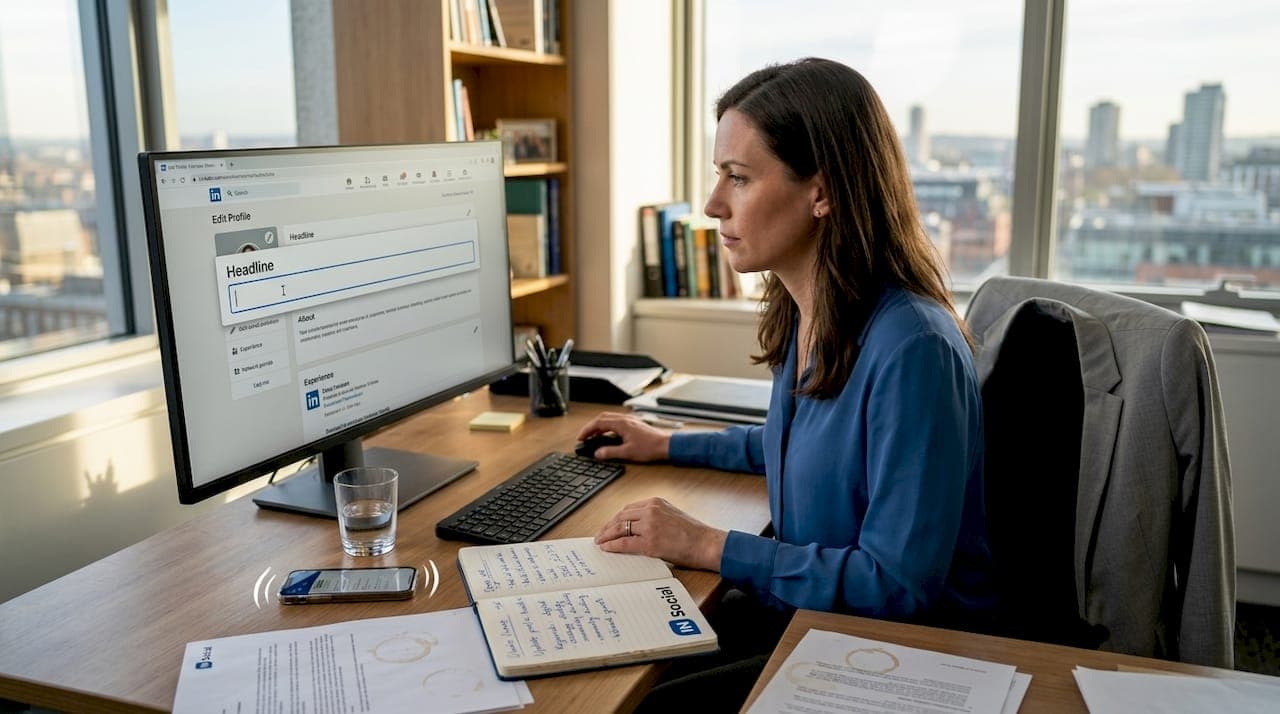
Before you send a single connection request, your LinkedIn profile needs to do the heavy lifting. Think of it as your digital shop front. When a prospect receives your outreach, the very first thing they do is click on your profile. If what they find is vague, incomplete, or unconvincing, the conversation ends before it begins.
Optimised LinkedIn profiles generate significantly higher engagement, which means a stronger profile directly translates into more appointment requests. Start with the fundamentals and build from there.
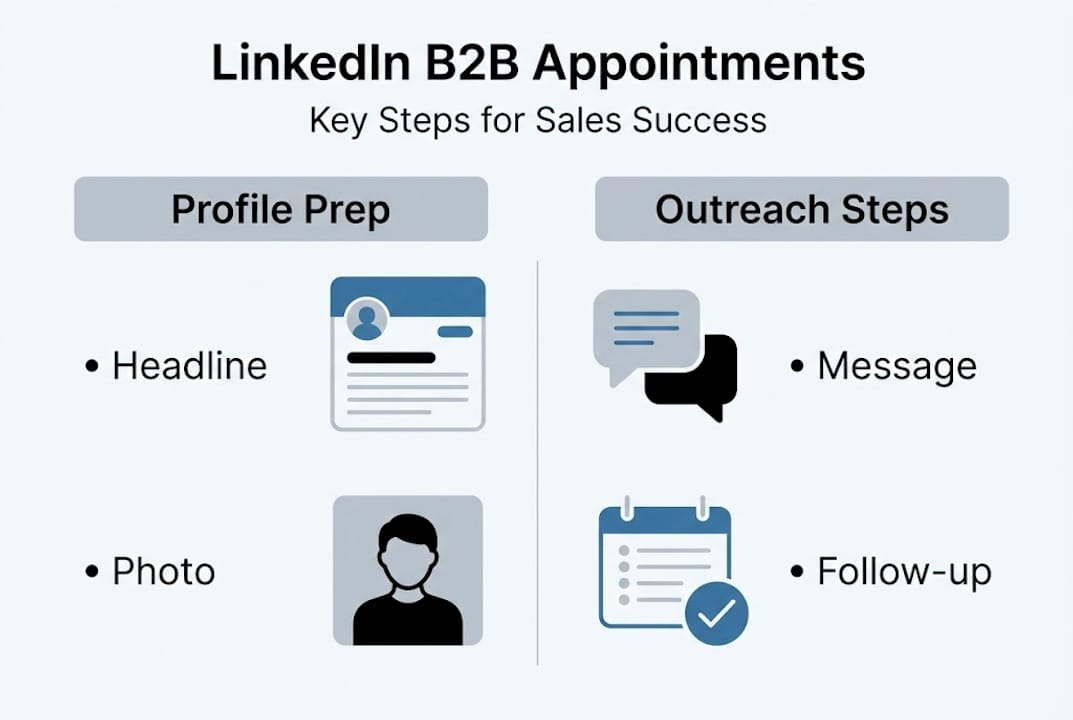
Here is a quick comparison of what separates a generic profile from an optimised one:
| Profile element | Generic profile | Optimised profile |
|---|---|---|
| Headline | Job title only | Value-driven, role and outcome focused |
| Summary | Brief career overview | Client-focused story with clear results |
| Photo | Casual or missing | Professional, high-resolution headshot |
| Recommendations | None or very few | Multiple specific, recent testimonials |
| Skills | Random selection | Curated, relevant, and endorsed |
The difference is stark. An optimised profile builds trust instantly, which is exactly what you need when asking a stranger to book time in their diary.
Here are the key credibility-boosting tactics to action today:
- Write a headline that signals your specialism and the outcome you deliver for clients
- Use your summary to speak directly to your ideal client's pain points
- Add a professional headshot taken in good lighting with a clean background
- Request recommendations from satisfied clients and colleagues
- Pin a relevant post or article to your featured section to demonstrate expertise
- Keep your content tips for lead generation in mind when publishing updates
Pro Tip: Your headline is prime real estate. Instead of writing "Sales Director at XYZ Ltd," try something like "Helping UK manufacturers reduce procurement costs by 20% | Sales Director." It tells prospects exactly who you help and what you deliver.
Every element of your profile should work together to answer one question for the prospect: "Can this person genuinely help me?" When the answer is clearly yes, booking a call feels like the logical next step.
Identifying and targeting your ideal clients
Profile optimised, now focus on finding and reaching the right prospects for maximum appointment potential. Broad outreach wastes time and damages your reputation. Precise targeting is what separates businesses that consistently book quality appointments from those that spin their wheels.

Precise targeting drives B2B sales results because it ensures your message reaches people who actually need what you offer. LinkedIn Sales Navigator is your most powerful tool here. It allows you to filter prospects by industry, company size, seniority level, geography, and even recent activity.
Here is how manual targeting compares to using Sales Navigator:
| Targeting method | Average connection rate | Time per 100 prospects | Lead quality |
|---|---|---|---|
| Manual search | 10-15% | 8-10 hours | Variable |
| Sales Navigator filters | 25-35% | 2-3 hours | Consistently high |
The numbers make the case clearly. Smarter targeting saves time and produces better results.
Follow this step-by-step process to build a high-quality prospect list:
- Define your ideal client profile: industry, company size, job title, and location
- Use Sales Navigator to apply filters and generate a refined list
- Review each prospect's profile for recent activity and shared connections
- Segment your list by priority based on fit and buying signals
- Use outreach automation tools to manage volume without losing personalisation
- Track connection acceptance rates and adjust filters based on results
Pro Tip: Before sending a connection request, spend two minutes reviewing the prospect's recent posts or activity. Reference something specific in your message. This single habit can double your acceptance rate because it shows you are paying attention, not just blasting out templates.
Targeting is not a one-time task. Revisit your ideal client profile quarterly to ensure your list reflects where your best opportunities actually sit.
Crafting compelling outreach messages
Once you know who to target, the next step is writing outreach messages that actually convert. This is where most businesses stumble. They either pitch too soon, write messages that are all about themselves, or rely on templates so generic that prospects can spot them from a mile away.
Personalised outreach leads to better responses because people respond to relevance, not volume. The goal of your first message is not to sell. It is to start a conversation.
Follow these steps when writing your outreach messages:
- Open with a specific, genuine observation about the prospect or their business
- State clearly who you are and what you do in one concise sentence
- Identify a relevant challenge or opportunity that connects to their situation
- Offer a specific piece of value, an insight, resource, or idea, before asking for anything
- Close with a low-pressure question or soft call to action
Personalisation techniques that consistently improve response rates include:
- Referencing a post the prospect has recently published
- Mentioning a mutual connection or shared group
- Acknowledging a company milestone, award, or news item
- Tailoring the message to their specific industry pain points
- Matching your tone to theirs based on their LinkedIn activity
Here is an example of a message that generated real appointments:
"Hi [Name], I noticed your recent post about scaling your sales team in 2026 and it resonated with me. We work with B2B businesses in [industry] to help them book more qualified meetings without relying on cold outreach. I thought a quick conversation might be worth your time. Would you be open to a 20-minute call this week?"
Short. Specific. Relevant. It references their content, positions the value clearly, and asks for a small commitment. Explore boost sales faster strategies to understand which lead types respond best to different message styles.
Scheduling and managing LinkedIn appointments
With engaging outreach in place, ensure your calendar fills up and meetings happen by managing appointments effectively. Booking interest is only half the battle. The real challenge is converting that interest into confirmed, attended meetings.
Follow-up and scheduling are critical to maximising lead value because the gap between "sounds interesting" and a confirmed calendar invite is where most appointments are lost.
Tools that make scheduling smoother include:
- Calendly: Allows prospects to self-book based on your availability, removing back-and-forth friction
- HubSpot Meetings: Integrates with your CRM so every booked call is logged automatically
- LinkedIn's native messaging: Useful for initial confirmation and quick follow-ups
- Google Calendar or Outlook: Send calendar invites immediately after verbal agreement
Best practices to avoid no-shows:
- Send a calendar invite within minutes of agreement
- Include a short agenda in the invite so prospects know what to expect
- Send a reminder message via LinkedIn 24 hours before the meeting
- Confirm attendance again on the morning of the call
- Offer a simple reschedule option to reduce outright cancellations
Here is a reliable confirmation and follow-up process:
- Agree on a time via LinkedIn message
- Send a calendar invite immediately with a clear subject line and brief agenda
- Follow up 24 hours before with a short LinkedIn message confirming the meeting
- After the meeting, send a summary and agreed next steps within two hours
- If there is no response after the meeting, follow up once more at 48 hours
Nurturing prospects after booking is equally important. Use outreach automation to stay visible in their feed by engaging with their content between the booking and the meeting. This keeps you front of mind and reinforces your credibility before the call even begins.
Why relying solely on cold outreach misses opportunities
Having covered the step-by-step process, here is a perspective that challenges conventional thinking. Most businesses default to cold outreach because it feels like action. Send enough messages and eventually someone will respond. But this logic is increasingly flawed.
Decision-makers receive dozens of cold messages every week. The noise is deafening. What actually cuts through is a warm, value-led approach built on a strong profile, relevant content, and genuine relationship-building before the pitch ever arrives.
We have seen this play out repeatedly. Businesses that invest in profile optimisation and consistent content see inbound appointment requests without sending a single cold message. Prospects come to them because they have already established authority.
The most effective appointment strategies without cold outreach prioritise trust over volume. They focus on being genuinely useful to prospects before asking for their time.
Pro Tip: Nurture relationships for at least two to four weeks before requesting a meeting. Engage with their content, share relevant insights, and let the relationship warm naturally. When you do ask for a call, it feels like a natural next step rather than an interruption.
Cold outreach is not dead, but it should never be your primary strategy. The businesses winning on LinkedIn in 2026 are those that treat it as a relationship platform first and a sales tool second.
Take your LinkedIn appointment setting to the next level
If you are ready to move beyond guesswork and build a consistent pipeline of qualified B2B appointments, the right support makes all the difference. Applying these strategies takes time, skill, and the right tools working together.
At IN Social, we combine human expertise with advanced AI tools to help businesses like yours generate real results on LinkedIn. Whether you want to explore our LinkedIn lead generation services or hand over the day-to-day work with our managed LinkedIn solutions, we have a tailored approach that fits your goals. Stop leaving appointments on the table and start filling your calendar with the right conversations.
Frequently asked questions
What is LinkedIn appointment setting?
LinkedIn appointment setting involves using LinkedIn to identify prospects, engage decision-makers, and secure calendar meetings for B2B sales. It is a proven platform for B2B appointments when used with a structured, targeted approach.
How can I improve my LinkedIn outreach response rates?
Personalise your messages, optimise your profile, and target the right decision-makers to improve engagement. Personalisation and targeting consistently outperform high-volume generic outreach in generating qualified responses.
Which tools help schedule LinkedIn appointments efficiently?
Tools like Calendly and HubSpot enable smooth scheduling and reduce drop-off rates for LinkedIn meetings. Efficient scheduling tools remove friction and increase the likelihood that booked meetings actually take place.
Is automating LinkedIn outreach advisable?
Automation can boost efficiency, but it is vital to maintain a personal touch to avoid appearing spammy. Automation must complement personalised outreach rather than replace it entirely if you want to protect your reputation and results.